
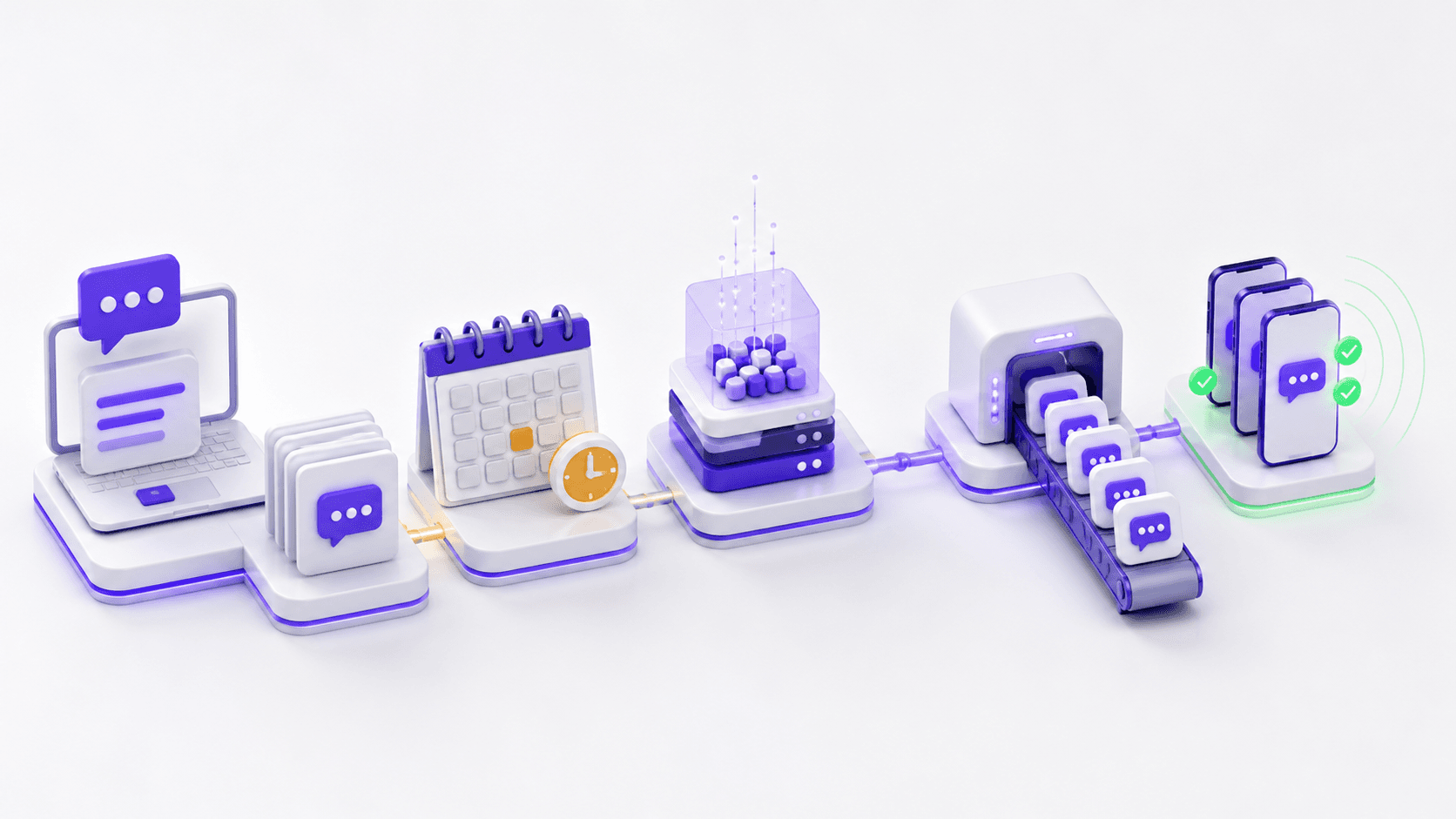
A campaign is more than a message body and a Send button. It combines an audience, template or content, sender, routing mode, provider connections, schedule, and the operational state that follows. A reliable workflow makes each decision visible before traffic starts.
IntelliSend uses a guided campaign builder and preserves drafts so configuration can be reviewed before processing. Campaigns can be scheduled, edited while their state allows it, and observed as they move through queueing, processing, sending, and completion.
Start with a contact group whose import has finished and whose invalid or opted-out records have been reviewed. Select a reusable template when consistency matters, and verify that the sender and provider configuration support the destination.
Choose routing intentionally. Single-provider routing is a direct choice, round robin distributes traffic, and failover expresses a primary and backup order. Do not wait until launch time to decide what should happen if the first route cannot send.
A scheduled campaign still needs an owner. Confirm the timezone, audience readiness, provider balance, and team coverage around the send window. The calendar and campaign views make planned work visible, but they do not replace that operational review.
During the send, distinguish a campaign that is still processing from one that has failed. Afterward, review delivery outcomes, provider distribution, usage, cost, and the message-level logs that explain exceptions.
The lifecycle ends when the findings become an action: clean the next audience, adjust a route, correct a sender, or update the reusable template. That is how campaign reliability improves over time.