
Guided DNS setup
Copy the CNAME and verification records shown for your domain into your DNS provider.
Custom domains
Connect a domain you own to IntelliSend for a branded workspace URL, with DNS verification and SSL status visible in one place.
Workspaces
Your managed workspace address gets you started. On an eligible plan, add a custom hostname, verify the required records and choose it as the primary address when it becomes active.
Copy the CNAME and verification records shown for your domain into your DNS provider.
Follow DNS and SSL verification, inspect errors and verify again after changing records.
Promote an active domain to primary. Keep an active primary address before removing another custom domain.
Explore IntelliSend
Connect this capability with the other messaging, integration and workspace features available in IntelliSend.
Developers
Send SMS from your backend with scoped keys, safe retries and delivery events.
Explore SMS API
Messaging
Read and reply to customer messages using an eligible reply-capable number.
Explore Two-way SMS Inbox
Developers
Create reusable SMS verification services and check one-time codes through the API.
Explore OTP verification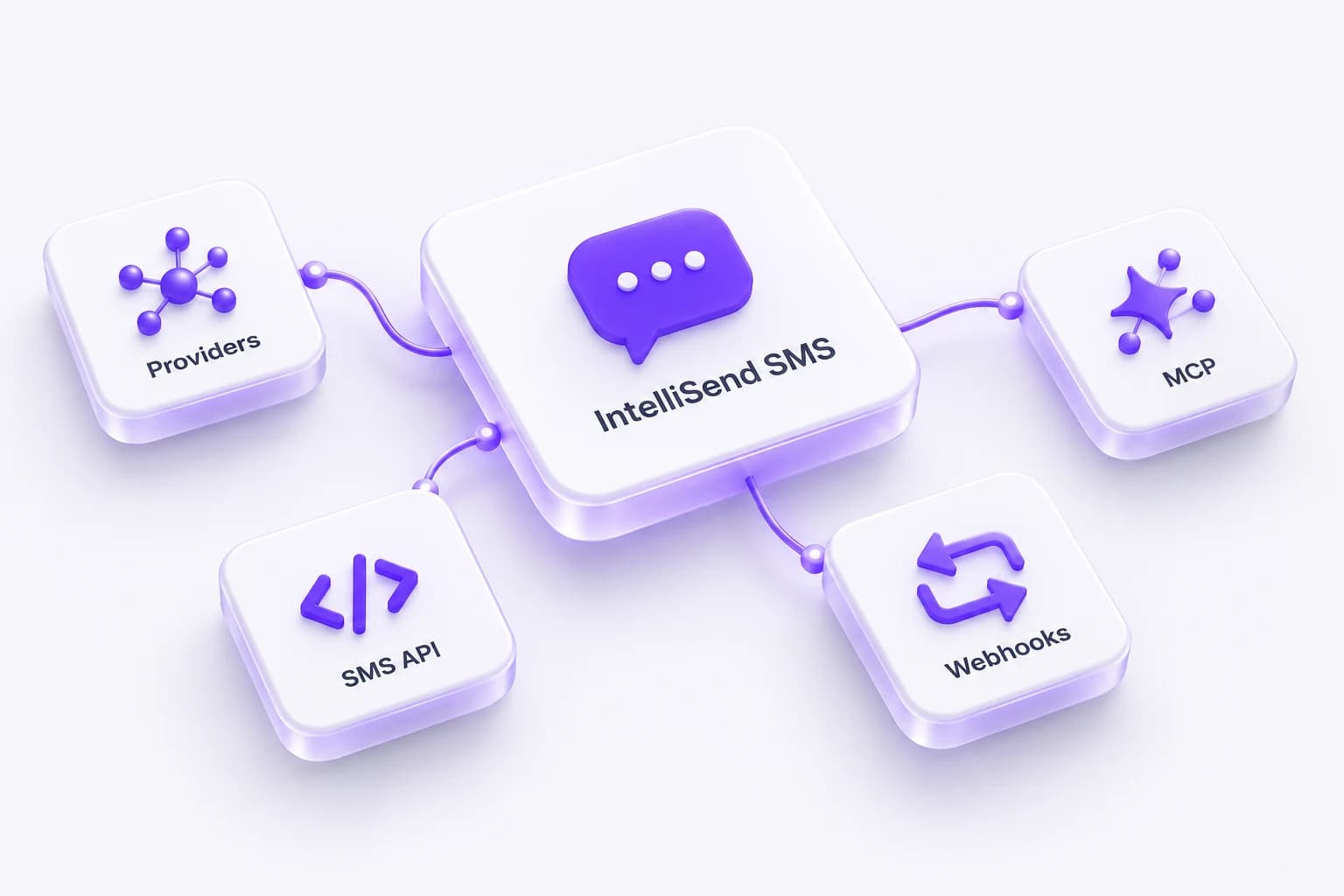
Developers
Access SMS reports and optional messaging tools from an authorised AI client.
Explore MCP & AI
Workspaces
Organise contacts, messaging and team access within each business workspace.
Explore Teams & workspaces